Getting Your IR Lamps to Actually Work With Your Printer
We built our infrared lamps to be simple drop-in replacements. Whether you’re running an EFI Reggiani or any of the other big global brands, you shouldn’t have to overthink the install. But here’s the thing: making a lamp “fit” isn’t just about measuring the length with a ruler. If the electrical load or the heat spectrum doesn’t line up with your printer’s power grid, you’re asking for trouble.
The nitty-gritty of the fit
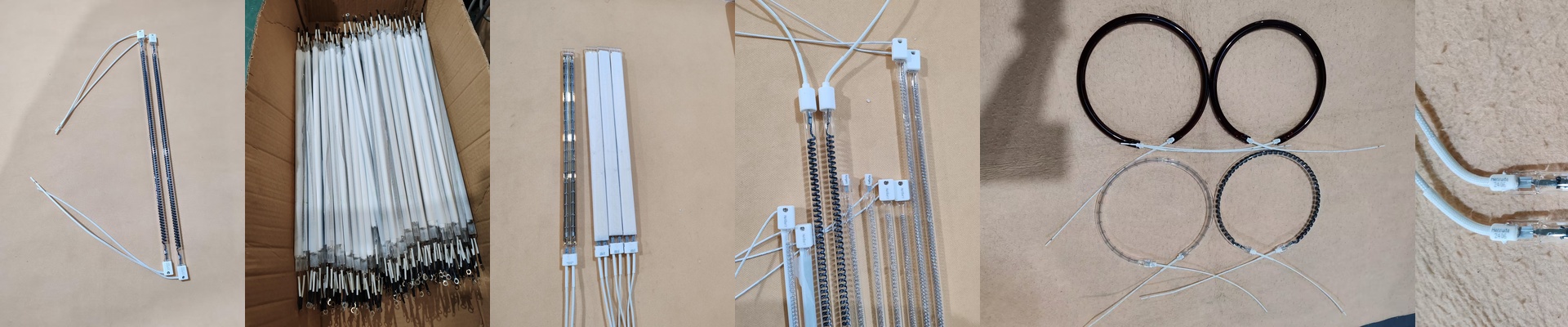
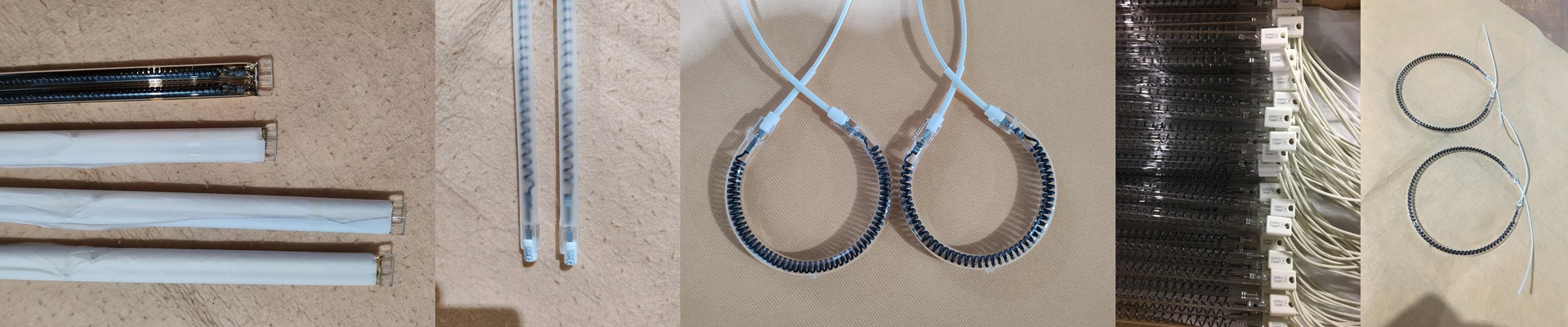
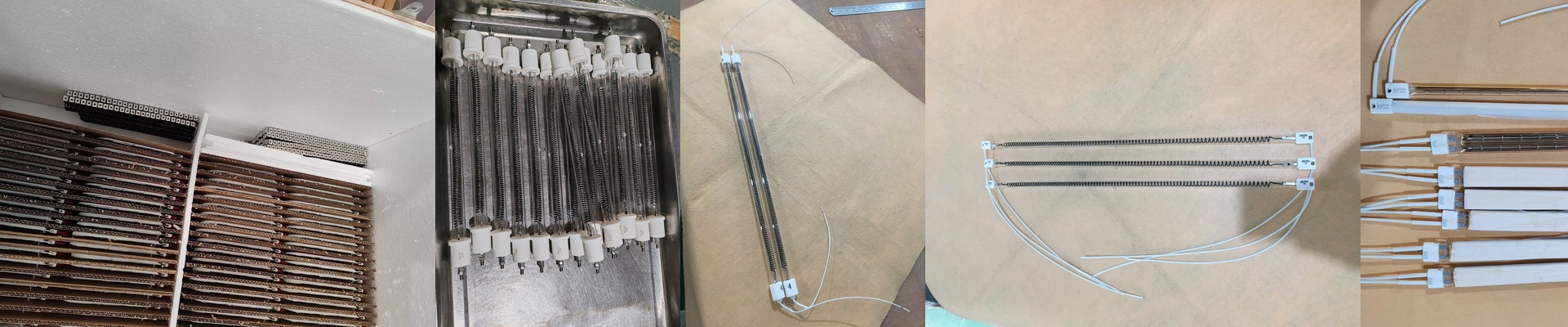
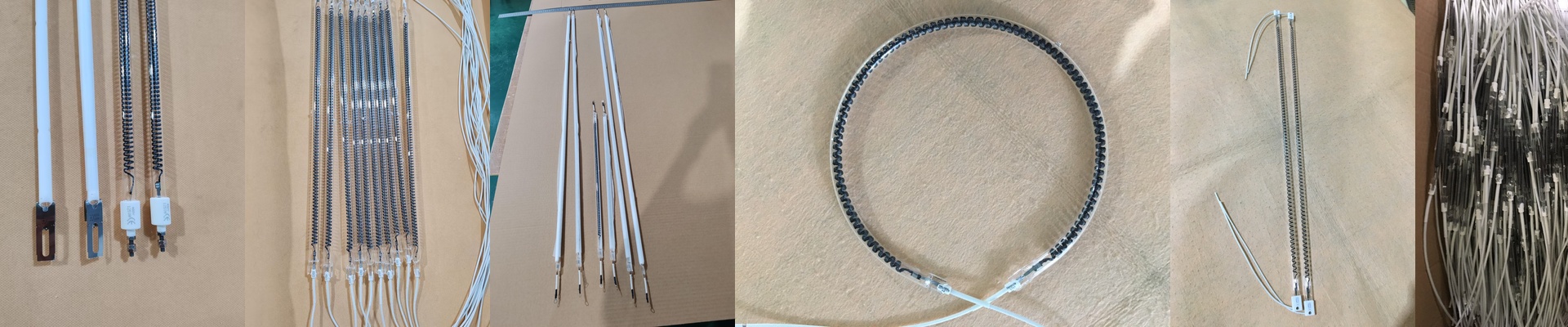
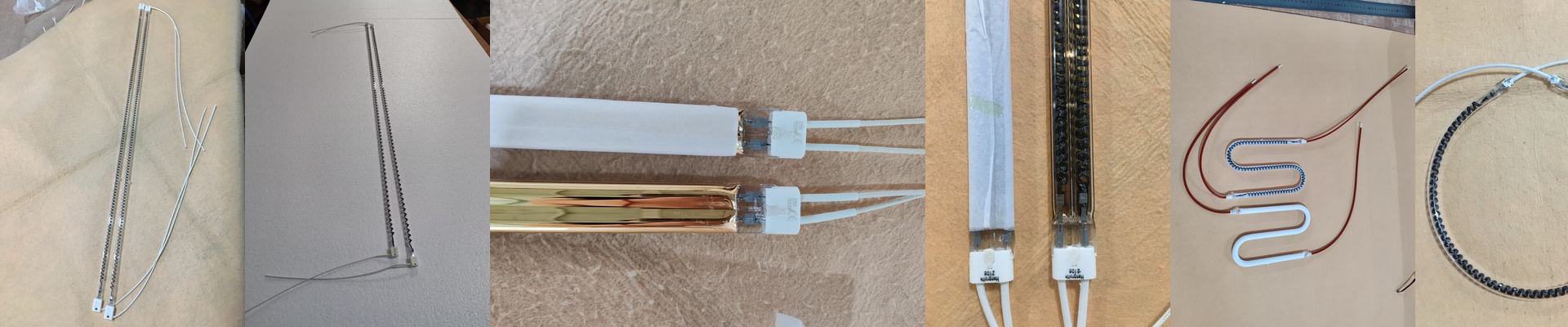
To make one lamp work across five different brands, we obsess over the footprint and the electrical specs. Most high-end digital printers use shortwave IR to flash-dry ink fast without scorching the fabric. To handle that kind of rapid heating and cooling, we use high-purity quartz glass. It’s tough. It doesn’t crack when things get hot and cold quickly. And the voltage? That has to be spot on. If it’s off, you’ll either end up with damp ink or a burnt-out filament. We’ve mapped out the exact wattage for Reggiani units so the heat stays consistent across the entire web. No surprises.
Plugging it in
We stick to industry-standard connectors—mostly R7s or SK15. Why? Because nobody wants to spend their afternoon modifying a machine’s housing just to get a light to turn on. We also make sure the filaments are perfectly centered. This stops those annoying “cold spots” from appearing on your fabric. Some of our tubes even have a special coating that pushes the heat forward into the cloth rather than letting it soak into the machine frame.
Real-world warnings
Now, high-wattage lamps are great for cranking up production speeds. But there’s a catch. When you push more kilowatts through a short tube, your reflectors and cooling fans have to work a lot harder. If your fans are clogged with dust or just aren’t powerful enough, these lamps will run too hot and die early. **Quick tip:**Before you pop in your new lamps, give your reflectors a good clean. It prevents hotspots that can crack the quartz and keeps everything running smooth.