Getting Your Sulfet Rotary Printing Heat Just Right
If you’ve ever tried to swap out a lamp in a Sulfet rotary printer with some generic part you found online, you know the headache. It rarely works. Either the ink doesn’t set, or the lamp just doesn’t fit the electrical setup of the machine. It’s frustrating, and it slows everything down.
The Power Struggle
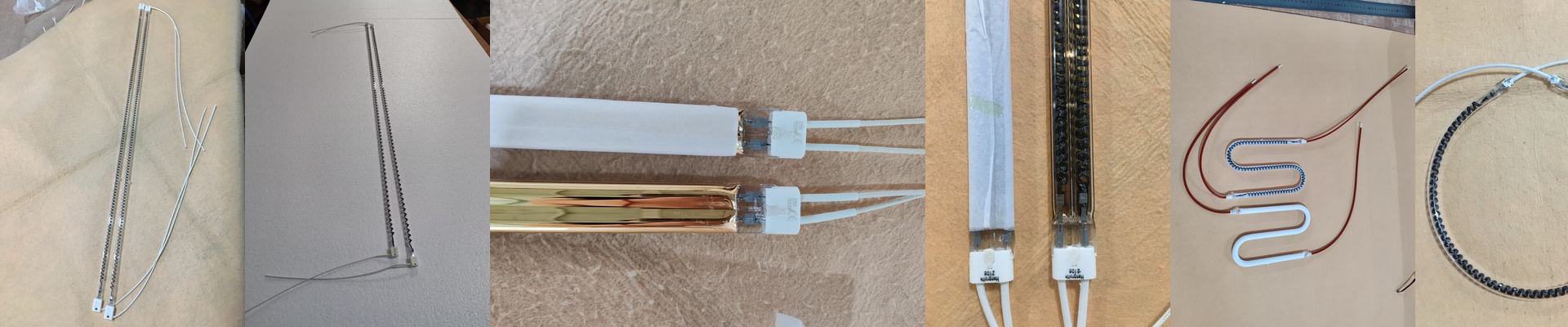
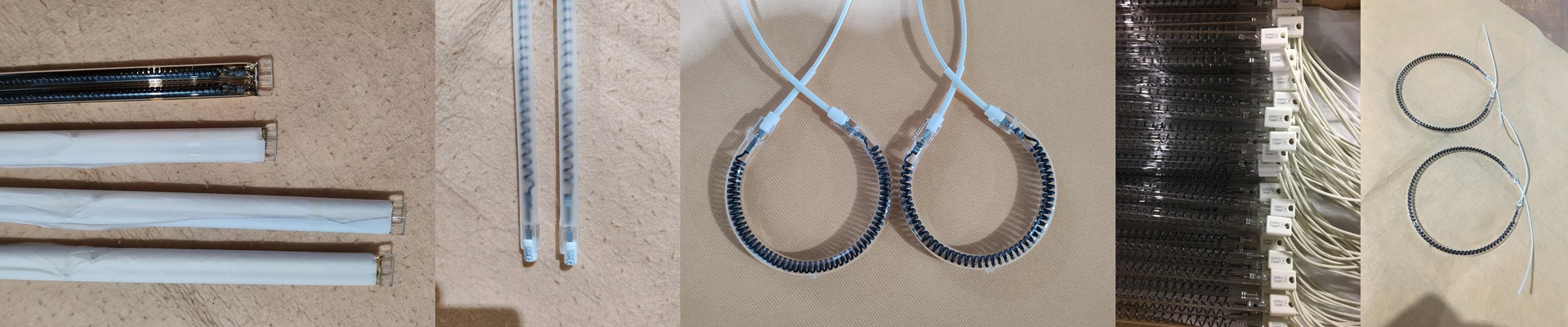
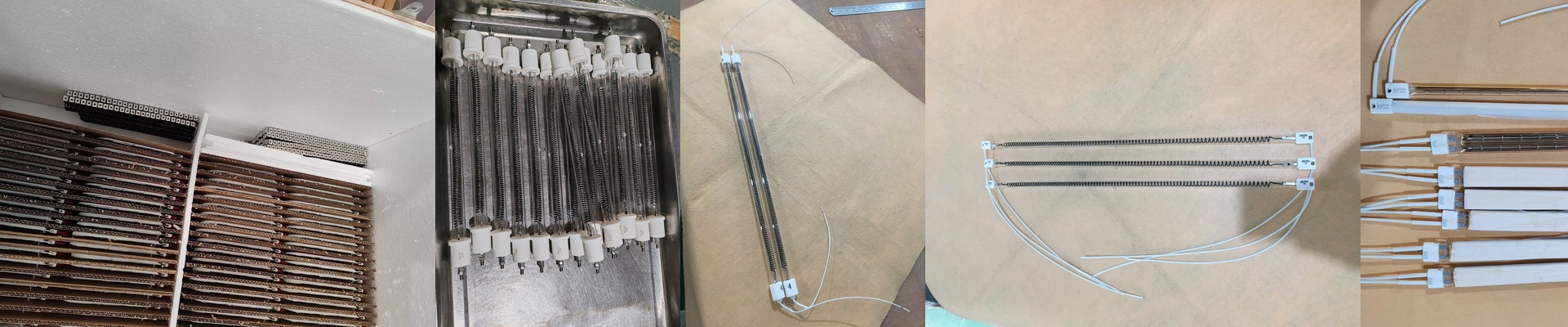
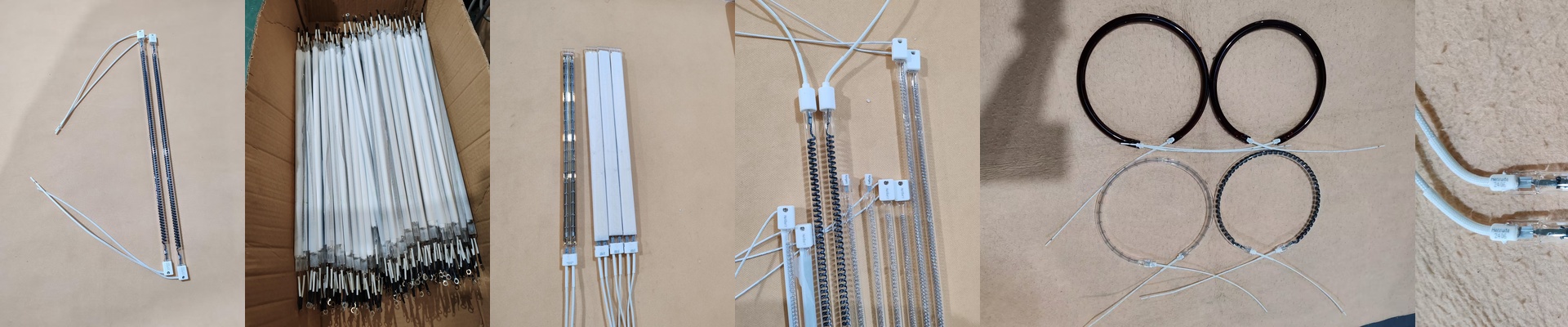
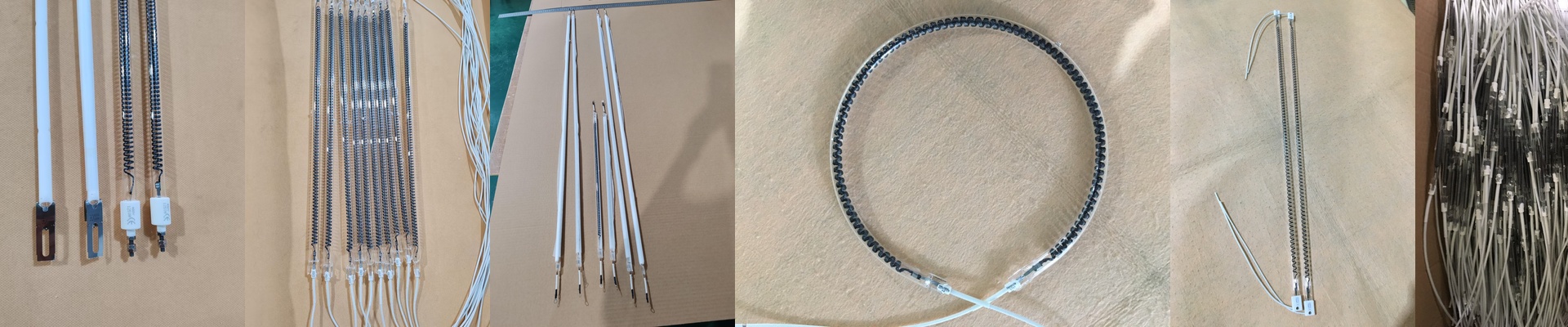
Here’s the thing: these machines are picky about their power. We build our infrared tubes to hit the exact voltage and wattage your Sulfet needs. If the wattage is off, you’re in trouble. Too low? The ink stays wet. Too high? You’ll burn right through the filament. Plus, you’ve got to keep an eye on your cabling. If the wires can’t handle the current, the tubes will burn out way faster than they should. It’s all about that balance.
Why Quartz and Halogen Actually Matter
We use high-purity quartz glass for the housing. Why? Because it lets that short-wave heat blast straight through to the fabric without getting trapped in the glass. Inside, we use a halogen gas cycle. It sounds technical, but it basically just stops the filament from evaporating and gunking up the inside of the tube. It keeps the heat clean and the lamp lasting longer. And then there are the connectors. Whether you’re dealing with R7s or those weird specialized pins, the fit has to be snug. A loose connection is a disaster—it creates sparks (arcing) that can melt your sockets and kill the tube instantly.
Real-World Wear and Tear
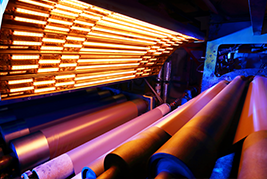
Industrial textile shops are tough environments. These tubes are built to take a beating and handle the constant on-off cycling of a busy production line. But there’s a catch. When you’re pushing that much heat, the area around the heater bank gets hot. Really hot. Do yourself a favor and check your cooling fans and vents. If the air isn’t moving, the heat builds up in the housing, and that’s when the quartz can stress and crack. A quick check of your ventilation saves you from a very expensive mistake.